
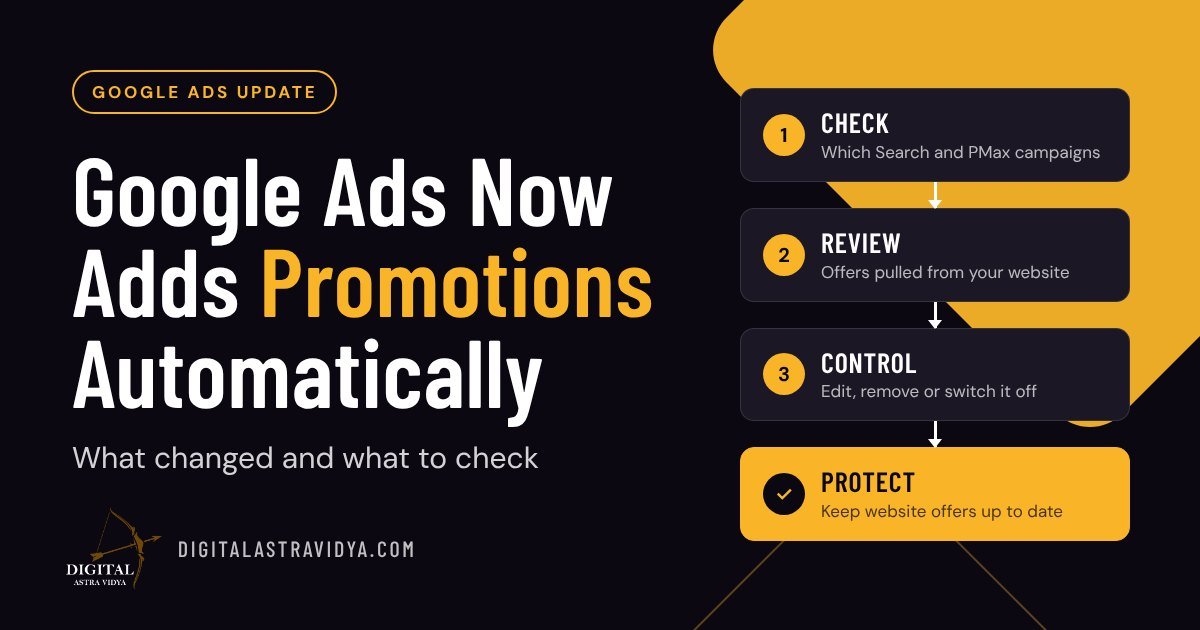
Short answer: From 12 October 2026, Google Ads can find offers on your website, such as “20% off” or a buy-one-get-one deal, and show them as promotion assets in your Search and Performance Max ads. It only applies to campaigns that have location assets and no promotions of your own. It is switched on by default, and you can turn it off at account level in a few clicks.
If you advertise on Google and run sales or discounts on your website, spend five minutes checking your account. Here is what changed, why it matters and exactly what to check.
What automated promotions are
A promotion asset is the small offer line that can appear under a Google ad, such as “20% off all courses”. Until now, advertisers added these by hand. With automated promotions, Google reads your website, including your landing pages, picks out the offers it finds and adds them to your ads itself.
Which campaigns are affected
According to Google’s help page, a campaign is eligible when all of these are true:
- It is an active Search or Performance Max campaign
- It has location assets attached, which includes local campaigns
- It has no promotion assets that you added yourself
- It follows Google Ads policies
Key facts at a glance
| Question | Answer |
|---|---|
| When did it start? | 12 October 2026 |
| Is it on by default? | Yes, for eligible campaigns |
| How long does an offer run? | Less than 24 hours at a time; renewed only if the offer is still on your website |
| Does it read start and end dates? | Not yet, according to Google’s help page |
| Can I switch it off? | Yes, in account-level automated asset settings |
| Does it cost extra? | No; you pay for clicks as usual |
Why it matters, especially in the festive season
For many Indian businesses, October to December is the busiest sales period of the year, with festive offers changing every few days. That makes this change useful, and also risky.
The upside: offers can raise click-through rates, and many small advertisers never set up promotion assets at all. If your website always shows accurate, current offers, Google now does that setup for you.
The risks to watch:
- Old offers left on your website. A festive banner or a coupon page nobody removed can still be picked up while it is visible.
- Offers with conditions. “Flat 30% off” might only apply above a minimum order, to first-time buyers or in one city. A one-line promotion asset may not show those conditions.
- Store or region-specific deals. An offer meant for one branch can appear in ads for every location.
- Customer trust. A discount shown in your ad is a promise. If someone clicks and can’t get it, you lose the sale and possibly a review.
- Limited visibility. Promotions appear in your Assets reports only once they have served, so you won’t see an unwanted offer before it runs.
How to check and control it in Google Ads
- See what Google has added. Go to Campaigns → Assets. In the filter bar, choose Asset type: Promotion. In the Added by column, automated promotions are labelled Google AI. Hover over the label to see where the offer came from.
- Switch it off, or back on. Go to Campaigns → Assets, click the three-dot More icon in the filter bar and open Account-level automated assets. Click the three-dot icon on that page, open Advanced settings and set Automated promotions to Off or On.
- Prefer full control? Add your own promotions. Google skips any campaign that has promotions you created yourself. Manual promotion assets also let you set exact start and end dates, which matters for short festive sales.
- Clean up your website. Remove expired offers and coupon pages, and state any conditions right next to the offer, such as minimum order, eligible products or cities.
- Measure the effect. In campaign reports, segment by click type to see clicks on promotions. Compare overall conversions too, because the benefit may show up there even when promotion clicks are low.
Google sometimes renames menus. If a step looks different, follow Google’s help page in the sources below.
Should you keep it on?
| Keep it on if… | Switch it off (or add your own promotions) if… |
|---|---|
| Your website always shows current, accurate offers | Old offers or coupon pages are still live on your site |
| Offers apply to all customers and locations | Offers have conditions, minimum orders or city limits |
| You don’t have time to set up promotion assets | You run short sales and need exact start and end dates |
A bigger trend: more automation in Google Ads
Automated promotions are part of a wider shift: Google increasingly creates headlines, images, sitelinks and now offers for you, using your website as the source. That makes your website content part of your ad copy. Keeping landing pages accurate, clear and up to date now affects both conversions and what your ads say. See What Makes a Landing Page Convert? and Google Ads Channel Prioritization for more ways to stay in control.
Frequently asked questions
Do I need to do anything?
If your Search or Performance Max campaigns use location assets and you haven’t added promotions yourself, check the Assets view. If the offers Google picks are accurate, you can leave it on. If not, switch it off.
Can Google show an offer that has already ended?
Each automated promotion runs for less than 24 hours and is renewed only if Google still sees it on your website. The real risk is an old offer that is still visible on your site, so remove expired offers promptly.
Can I set start and end dates for automated promotions?
Not at the moment. Google’s help page says dates are not yet read from your site. For exact dates, add promotion assets yourself.
Does it cost extra?
There is no separate charge for promotion assets. You pay for clicks on your ads as usual.
Will my own promotion assets be replaced?
No. Google only adds automated promotions to campaigns that don’t already have promotion assets you created yourself.
Related reading
- Google Ads Channel Prioritization: How to Control Where Your Budget Goes
- What Is Performance Marketing?
- Paid Search vs Paid Social: Which Should You Choose?
- What Makes a Landing Page Convert?
Need help checking your Google Ads account? See our Google Ads & Meta Ads management service, or learn Google Ads hands-on in our online training.
Sources
- About automated promotions, Google Ads Help
- Google Ads to automated promotions for Search & PMax campaigns soon, Search Engine Roundtable