
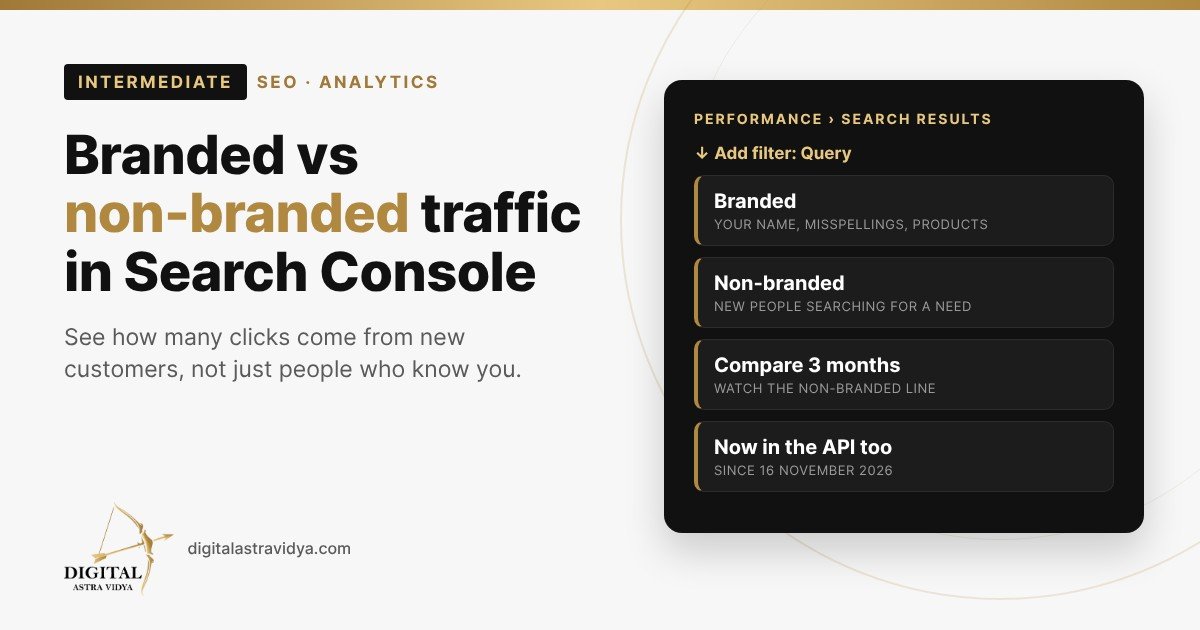
Short answer: Google Search Console can now split your Google search traffic into branded queries (searches that include your brand name, its misspellings or your brand’s products) and non-branded queries (everything else). Open the Performance report, add the Query filter and choose Branded or Non-branded. Since 16 November 2026 the same split is also available in the Search Analytics API, so you can pull it into your own reports.
Imagine your website gets 3,000 clicks a month from Google. That sounds healthy. But if most of those clicks come from people typing your business name, SEO is not bringing you new customers. It is only catching people who already know you.
The branded queries filter answers that question in a few clicks. You no longer need long keyword lists or regex to separate the two.
“A rising total in Search Console can hide an SEO campaign that has stalled. Non-branded clicks are the one number I ask every business owner to watch, because they show whether new people are finding you.” — Nilesh Malpure
What counts as a branded query?
Google says a branded query is one that includes your brand name, variations or misspellings of it, and searches for your brand’s products or services. Its own example is Gmail being a branded query for google.com.
The classification is not simple keyword matching. Google says it is decided by an internal, AI-assisted system, and it covers your brand name in all languages, along with typos.
So for a Pune bakery called “Mithaas”, searches like “mithaas bakery”, “mitas cakes pune” and the name typed in Devanagari should all count as branded. “Best eggless cake in Pune” is non-branded.
Tip: You cannot add or edit brand terms yourself. Google’s John Mueller confirmed in March 2026 that there is no customisation for now.
Why the brand split matters
Branded and non-branded searches tell you very different things about your marketing.
| Query type | What it tells you | What usually moves it |
|---|---|---|
| Branded | How many people already know you and look you up | Offline ads, social media, word of mouth, PR, past customers |
| Non-branded | How many new people find you while searching for a need | SEO content, technical SEO, local SEO, helpful pages |
If total clicks rise but non-branded clicks stay flat, your SEO is standing still. Your brand is doing the work.
The split also helps when you judge an agency’s report. A report that only shows total clicks can hide a weak non-branded trend.
How to see branded and non-branded traffic in Search Console
- Open Google Search Console and choose your property.
- Go to Performance, then Search results.
- Click the filter bar at the top of the report and select the Query filter.
- Choose Branded or Non-branded.
- Set the date range to the last three months and use the date comparison to compare it with the previous period.
- Look at the Queries and Pages tabs to see which searches and pages drive each group.
The Insights report also has a card that shows total clicks split between branded and non-branded traffic. It is a quick monthly check.
The filter works for the web, image, video and news search types. Data starts from 11 March 2025.
Who can use it: Only top-level properties qualify. A folder property (example.com/blog/) or a subdomain property will not show the filter. Sites with a low number of impressions are also left out.
What changed in November 2026
On 16 November 2026 the Search Console team brought three Performance report features to the Search Analytics API. This matters if you build reports in Looker Studio, Google Sheets or your own dashboards.
- Branded queries: You can group or filter API data by branded or non-branded classification. For sites that are not eligible, the API returns no rows.
- Multimodal searches: A new search type gives you data from Google Lens, Circle to Search on Android and image uploads in Google Search.
- Several countries or devices at once: One request can now filter by a group of countries or devices, instead of one request each.
For most Indian business owners, the useful part is simple. Your agency or reporting tool can now show the brand split automatically every month.
What works: Ask whoever prepares your SEO report to add a non-branded clicks line. It takes them minutes now.
An example
Say a coaching institute in Nagpur prepares students for banking exams. Its owner sees Google clicks rise steadily over six months and feels SEO is going well.
She applies the Branded filter. Most of the growth comes from searches for the institute’s name, which started after a hoarding campaign and a few Instagram Reels.
She then applies the Non-branded filter. Searches like “bank po coaching in nagpur” and “ibps clerk syllabus” are flat. The institute’s syllabus and exam-date pages barely appear.
Now she has a clear brief. Keep the offline and social work going, and plan SEO content around the exam questions students actually search for.
Common mistakes to avoid
- Reading total clicks only: A strong brand can hide weak SEO. Always look at the non-branded line on its own.
- Expecting the filter on a sub-property: It does not work on folder or subdomain properties. Use the top-level property.
- Treating it as a ranking signal: Google says the classification is for analysis only and does not affect ranking.
- Trusting every label blindly: Google notes some queries may be misidentified. Scan the query list for obvious errors.
- Comparing different date ranges: Compare equal periods, and allow for festival seasons such as Diwali when demand changes.
Frequently asked questions
What is the branded queries filter in Google Search Console?
It is a filter in the Performance report that separates searches that include your brand name, its variations and misspellings from all other searches. You find it under the Query filter as Branded or Non-branded.
Why can’t I see the branded filter in my Search Console?
The filter only appears for top-level properties with enough queries and impressions. Folder and subdomain properties, and small sites with few impressions, do not get it.
Can I add my own brand keywords to the filter?
No. Google classifies branded queries automatically with an AI-assisted system, and you cannot edit the list. You can still use the regex query filter for your own custom groups.
Does the branded filter work in the Search Console API?
Yes. Since 16 November 2026 the Search Analytics API supports the branded classification, so reporting tools can pull branded and non-branded data directly.
Is non-branded traffic more valuable than branded traffic?
Neither is better; they measure different things. Branded traffic shows brand demand, while non-branded traffic shows how well SEO reaches new customers. Track both.
Related reading
- How to Read a Google Analytics Dashboard
- SEO vs SEM: What’s the Difference?
- Google’s November 2026 Core Update: What It Means for Your Website
- What AI Search Visibility Means for Your Business
Sources
- New filtering and reporting capabilities in the Search Analytics API, Google Search Central Blog, 16 November 2026
- Introducing the branded queries filter in Search Console, Google Search Central Blog, 20 November 2025 (updated 11 March 2026)
- Performance report (Search results): Common tasks and use cases, Search Console Help
- Performance report (Search results): Dimensions and data groupings, Search Console Help
- Google answers questions about Search Console’s branded queries filter, Search Engine Journal, 12 March 2026
Want help separating brand demand from new-customer search in your own reports? Explore our SEO and AI search visibility service, or learn it hands-on in our online digital marketing training, available as one-on-one or group classes.